Getting started
Easy Brewing adds the Item Brewing Station, a brewing stand that brews from a whole stack of potions and can be upgraded to brew faster and in bigger batches.
Install
- Install Fabric with Fabric API, or NeoForge, for Minecraft 26.3.
- Put the Easy Brewing jar in your
modsfolder. - Optional, on NeoForge: add JEI to look up brewing recipes from the station.
Playing on an older Minecraft version?
Use the version menu at the top of the page to switch to the wiki for Minecraft 1.20.1 – 26.2. Brewing recipes and mod integrations work differently there.
Your first brew
1. Craft an Item Brewing Station. It needs diamonds and a blaze powder, so it comes after your first trip to the Nether.


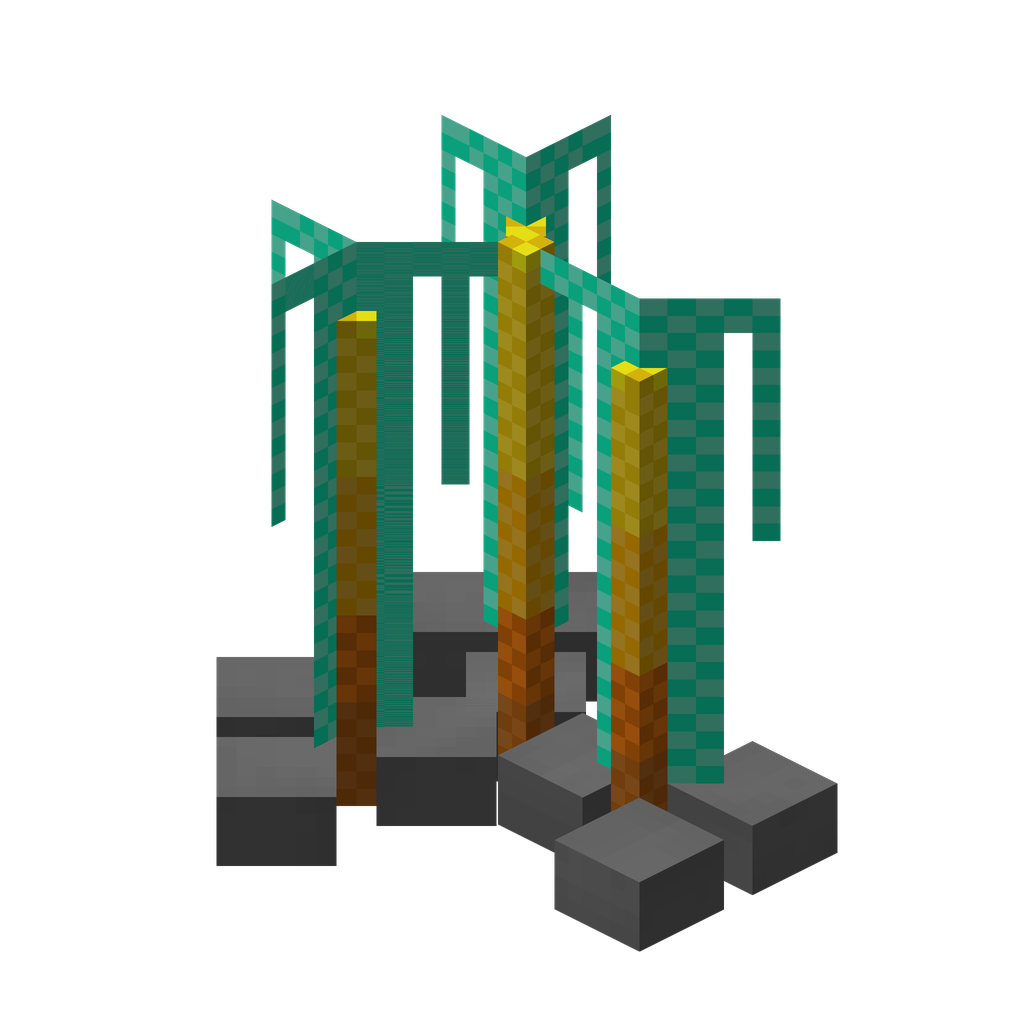 Item Brewing Station
2. Place it and open it. Mine it with a pickaxe to pick it back up. Anything inside drops when it breaks.
3. Add fuel. Put blaze powder in the top-left slot. One powder lasts 20 brews, the same as a vanilla brewing stand.
4. Add water bottles and nether wart. Water bottles go in the top slot, nether wart in the slot to its left. The station needs at least 3 potions in the slot to start.
5. Wait for the arrow. A brew takes 20 seconds. It uses one nether wart and three water bottles, and puts three Awkward Potions in the bottom slot.
- FuelBlaze powder. One powder lasts 20 brews; the bar underneath shows what is left.
- PotionThe potions to brew, as a stack. Water bottles, awkward potions and so on.
- IngredientThe brewing ingredient: nether wart, sugar, gunpowder and so on. One is used per brew.
- OutputFinished potions. It must be empty or hold the same potion for a brew to start.
- Speed upgradeSpeed upgrades. A stack counts, up to the configured limit.
- Amount upgradeAmount upgrades. Each one adds potions to every brew.
- Side settingsChoose which slot hoppers and pipes reach from each side of the block.
The station keeps brewing until it runs out of potions, ingredients or fuel, or the output slot is full.
TIP
Hover over the arrow to see the progress in ticks and the station's current speed and batch size. Hold Shift for the upgrade limits.
Where to go next
- Item Brewing Station: exactly how a brew works
- Upgrades: brew faster and in bigger batches, with a calculator
- Automation: feed the station with hoppers and pipes
- Brewing recipes: every potion and what it is brewed from